mosh
Mosh keeps a session alive when the network doesn't cooperate: switch from Wi-Fi to cellular, close the lid, walk out of range — reconnect and the session is still there. Tessera pairs it with something no other mosh client on iOS offers: real scrollback.
Mosh requires mosh-server installed on the host, and UDP ports 60000–61000
open by default. Pick it per host in the
host editor's transport setting.
Roaming
A mosh session is tied to your identity, not your network path. Tessera stays attached across Wi-Fi ↔ cellular hops, address changes, and sleep/wake — the session simply carries on where the packets left off. Over a VPN or a tailnet this works the same way; mosh only needs UDP to reach the server.
Real scrollback
Stock mosh has no scrollback — by design it synchronizes only the visible screen, so anything that scrolls off is never sent. Every other iOS mosh client inherits that limit and points you at tmux copy-mode.
Tessera synthesizes the history instead. In a tmux-backed mosh session, the terminal rides UDP while a second SSH side channel speaks to tmux; scrolling up pulls the real history through that channel and shows it in place — searchable with find in terminal, selectable, intact.
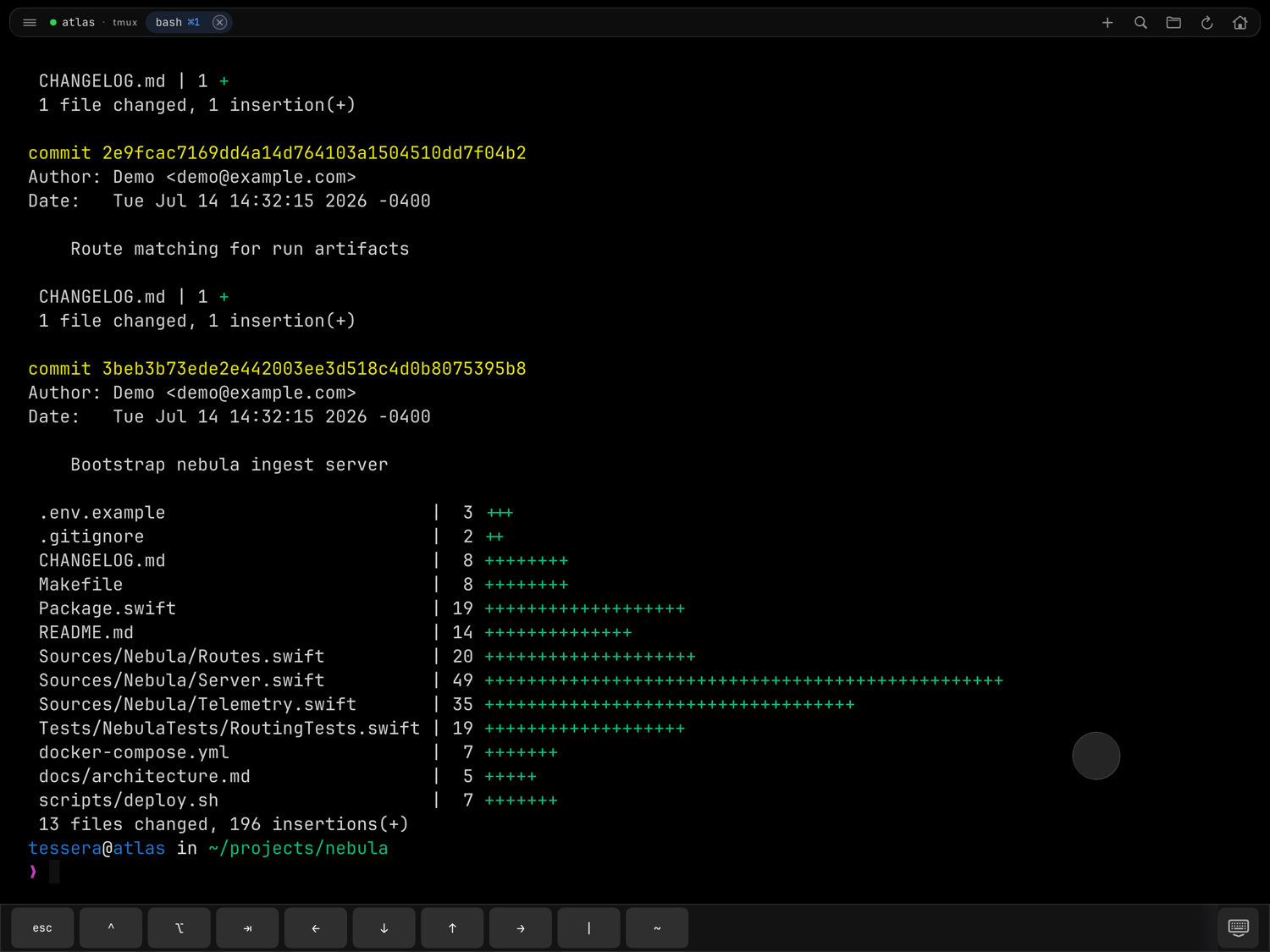
How it behaves while you read:
- Scrolling up reveals the history frozen in place — new output doesn't yank you back down.
- Returning to the bottom (or typing) dismisses the overlay onto the live, up-to-date screen.
- A hard fling keeps going: the first page loads instantly and the rest of the history streams in behind it, up to the server's retained depth.
What it needs
- A tmux launch mode. Scrollback synthesis works with auto-tmux and named tmux sessions (auto-tmux is the default). A mosh host launched with a custom command has no tmux to ask, so it scrolls like stock mosh.
- Server history. Depth is bounded by the server's tmux
history-limit— Tessera can only show what tmux retained. - The primary screen. Full-screen programs like
vim,less, andhtophandle scrolling themselves; Tessera forwards your scroll to them as input, as every terminal does.
Mosh and everything else
The same SSH side channel that fetches history also carries tmux windows and panes and port forwarding for mosh hosts, and the files panel opens its own SSH bridge — so file transfers and tunnels work identically on mosh and plain SSH.
One caveat: mosh UDP cannot traverse an SSH jump host. On a jump-chained host, Tessera tries mosh first and falls back to SSH if the server is unreachable over UDP. A target that is UDP-reachable anyway — over a VPN or tailnet, say — keeps working as mosh.